
A little hack to edit Quizzes when they already have attempts
What about if you want to change something in a Quiz that already has attempts? We'll be prompted with this message:
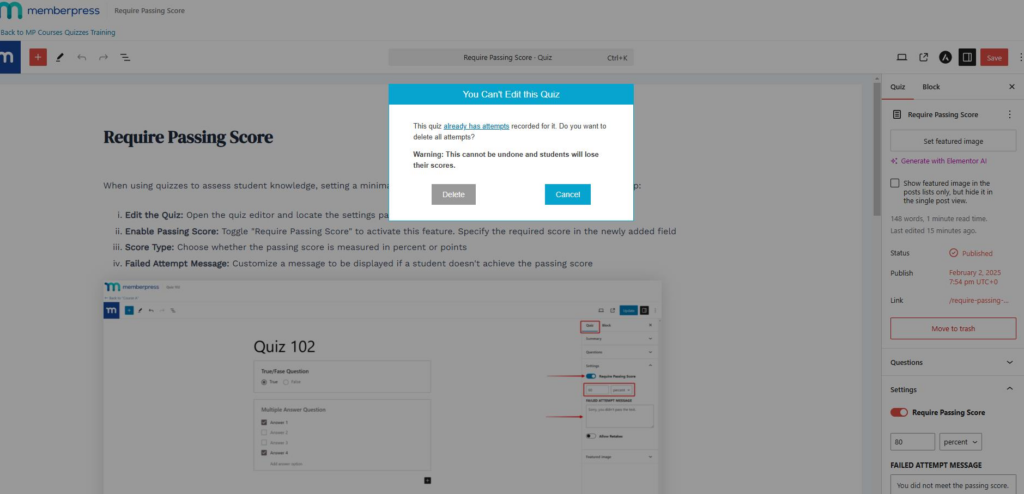
If you don't want to remove the existing attempts, fortunately, there is a small CSS hack you can use to get rid of this restriction momentarily and do your edits.
Basically, we need to right-click and inspect the ‘You Can't Edit this Quiz' box through the browser dev tools, and delete three <div> elements on it: one with the ‘vex-overlay‘ CSS class, another one ‘vex vex-theme-plain mpcs-quiz-locked-vex‘, and a last one having the ‘vex-content‘ class.
For further clarification, I have demonstrated it in the following video: https://share.zight.com/yAug1Er0.
In case you reload the page, the box message will return and you'll need to do the procedure again.